

Electronic records are now the operational foundation of healthcare delivery in the United States. Day to day, they power the work that keeps care moving, clinical documentation, e-prescribing, lab ordering and results review, referral coordination, and follow-up planning.
A key adoption signal (used sparingly for context): ONC reporting shows that by the early 2020s, more than 80% of office-based physicians and about 96% of non-federal acute-care hospitals were using electronic record systems.
Even with near-universal adoption, many teams still use “EHR” and “EMR” as if they mean the same thing. They do not. This blog explains the difference between EHR and EMR in practical terms, what each system is designed to do, how they support real clinical workflows, and why the distinction matters most when patients move across providers and settings, where continuity and interoperability shift from nice-to-haves to operational requirements.
EHR vs. EMR: Clearing Up the Confusion
- Myth: “EHR vs EMR is just terminology.”
Reality: The terms reflect different scopes and expectations for care coordination. - Myth: “If it’s electronic, it’s interoperable.”
Reality: Many systems can export information without supporting usable exchange. - Myth: “Only hospitals need EHRs.”
Reality: Any practice doing frequent referrals or transitions sees EHR-level needs.
The simplest framing:
EMRs document care within one organization. EHRs support care across organizations.
Defining EMR: The Practice-Centric Record
An electronic medical record (EMR) is a digital version of a patient chart maintained within a single healthcare organization. It contains clinical information created during encounters at that practice and supports internal workflows such as documentation, prescribing, scheduling, and billing.
Why this matters: EMRs were originally built for digitization and internal efficiency, not system-wide data exchange.
What Exactly is an EMR?
What does an EMR do well in daily practice?
It supports routine clinical work inside one organization, especially encounter documentation, medication management, internal results review, and administrative workflows.
Where do EMRs commonly hit limits?
When the patient’s care extends beyond the practice. External records often arrive as documents (PDFs/scans) that can be read but may not integrate cleanly into reconciliation workflows.
Why does that create risk?
Because high-risk moments, referrals, medication changes, and hospital discharge depend on timely, usable information.
EHR Explained: The Big Picture
An electronic health record (EHR) is designed to support continuity of care across multiple settings. Instead of capturing only what happened within one organization, EHRs are built to help patient information follow the patient across primary care, specialty care, hospitals, labs, imaging, and pharmacies.
This broader shift was accelerated by national policy and care model changes:
- The ARRA/HITECH Act (2009) accelerated the adoption of electronic records.
- By 2014, payment penalties began for eligible providers not using electronic record technology.
- MACRA (2015) reinforced quality reporting and value-based care models that depend on structured, shareable data.
Unpacking Electronic Health Records
EHRs include core clinical documentation plus coordination and exchange capabilities, such as:
- Care coordination workflows: referrals, transitions of care, shared plans.
- Data exchange pathways: structured sharing with outside systems.
- Governance and controls: role-based access, auditing, data stewardship.
- Reporting readiness: quality measures, oversight, population-level views.
- Patient access: portals and record access (implementation-dependent).
Because EHRs operate across more users, teams, and settings, they require more deliberate configuration and governance than practice-centric systems.
Core Differences: EMR vs. EHR Head-to-Head
EMR is optimized for:
Internal documentation, practice operations, and local decision-making.
EHR is optimized for:
Cross-setting continuity, coordination, and structured exchange.
The practical impact:
When patients move across settings, EHR design is meant to reduce fragmentation. EMR design can still work, but often depends on manual processes for sharing and reconciliation.
Key Distinctions at a Glance
| Dimension | EMR (Electronic Medical Record) | EHR (Electronic Health Record) |
| Scope of use | Used within a single practice or healthcare organization. Data is primarily created, stored, and accessed locally. | Designed for use across multiple care settings, allowing data to follow the patient between organizations. |
| Primary purpose | Digitizes the paper chart to support documentation, billing, and internal clinical workflows. | Supports coordinated, patient-centered care across providers, facilities, and services. |
| Data sharing approach | Information is often shared manually or as documents (PDFs, scanned records, faxes). | Information is shared electronically using structured data designed for reuse and reconciliation. |
| Interoperability expectation | Limited interoperability; external data may be view-only and not integrated into workflows. | Interoperability is a core design goal, enabling authorized providers to access and update patient information. |
| Care continuity | Reflects care delivered by one organization, offering a partial view of the patient’s history. | Supports a longitudinal view of the patient’s health across encounters, settings, and time. |
Features and Functionality Breakdown
- Clinical documentation: Both support notes and problem lists, but EHRs typically highlight structured capture for reuse across workflows.
- Orders/results: Both can manage ordering, but EHRs more often support integrated routing across teams and sites.
- Medication lists: Both store meds, but EHRs more commonly support reconciliation across external sources and settings.
- Referrals/transitions: EMR workflows are often document-driven; EHR workflows are more often embedded and trackable.
- Audit/compliance: Both must support HIPAA safeguards, but EHR environments often require deeper auditing because more roles have access to the record.
How They Work in Practice
A patient with diabetes sees primary care, visits a cardiologist, completes lab work at an outside facility, and is later hospitalized.
- In an EMR-centric environment, clinicians may reconstruct history from scanned documents and outside reports.
- In an EHR-centric environment, medication changes, lab trends, discharge instructions, and follow-up plans are more likely to be accessible within the workflow.
The difference is not “more data.” It is usable data in the moment it’s needed, especially during transitions of care.
Pros, Cons, and Real-World Use Cases
EMRs fit well when:
- The majority of care is delivered within one organization
- External coordination is limited or predictable
- The organization prioritizes simplicity and faster implementation
EHRs fit well when:
- Referrals and transitions of care are frequent
- Care is shared across multiple providers or sites
- Quality reporting and structured data needs are significant
Both choices can be appropriate. The risk comes from choosing a system that does not match how patients actually receive care.
Benefits, Drawbacks, and Examples
1) Care coordination
- Benefit: Shared context reduces duplication and improves continuity.
- Drawback: Poor configuration can create information overload.
- Example: Discharge summaries help, but only if they are easy to find and act on.
2) Medication safety
- Benefit: Better visibility supports safer prescribing.
- Drawback: Multiple lists can confuse teams without clear reconciliation workflows.
- Example: Medication reconciliation is a process, not just a feature.
3) Results and trending
- Benefit: Structured results support better clinical decisions over time.
- Drawback: Scanned documents are readable but less actionable for analytics and trend views.
- Example: A discrete A1c result supports trending far better than a PDF report.
Choosing the Right System
Use three questions to guide the decision:
- Where does care happen? (single site vs multiple settings)
- How often does data need to travel? (rare vs frequent exchange)
- What accountability model are you in? (fee-for-service only vs quality/value-based reporting)
If exchange, coordination, and reporting are increasing demands, an EHR-oriented approach becomes harder to avoid.
EMR or EHR: Which Fits Your Needs?
Quick Checklist (one-time only)
You likely need an EHR if most of these are true:
- Patients frequently move between providers or settings
- Referrals and transitions of care are common
- You need structured reporting for quality programs
- Multiple roles need shared visibility (care teams)
- Interoperability is a strategic requirement, not occasional
An EMR may be sufficient if care is mostly self-contained and your information-sharing needs are limited and stable.
Conclusion
EMRs supported the first wave of digitizing paper charts inside individual practices. EHRs reflect the next stage, supporting continuity, interoperability, and coordinated care across settings. That is the real difference between EHR and EMR.
When organizations understand this distinction, they make better technology decisions, set more realistic implementation expectations, and reduce friction in the workflows that matter most, especially referrals and transitions of care.
If your organization is reviewing its record strategy or planning interoperability improvements, use this guide to align teams on what EMR and EHR mean in day-to-day operations. Map where patient data is created, where it must travel, and where gaps exist today.
For continued learning, explore CalOne’s educational resources on EHR fundamentals, interoperability readiness, and HIPAA-aligned data access, or connect with our team for a neutral, workflow-first discussion about your current state and next steps.
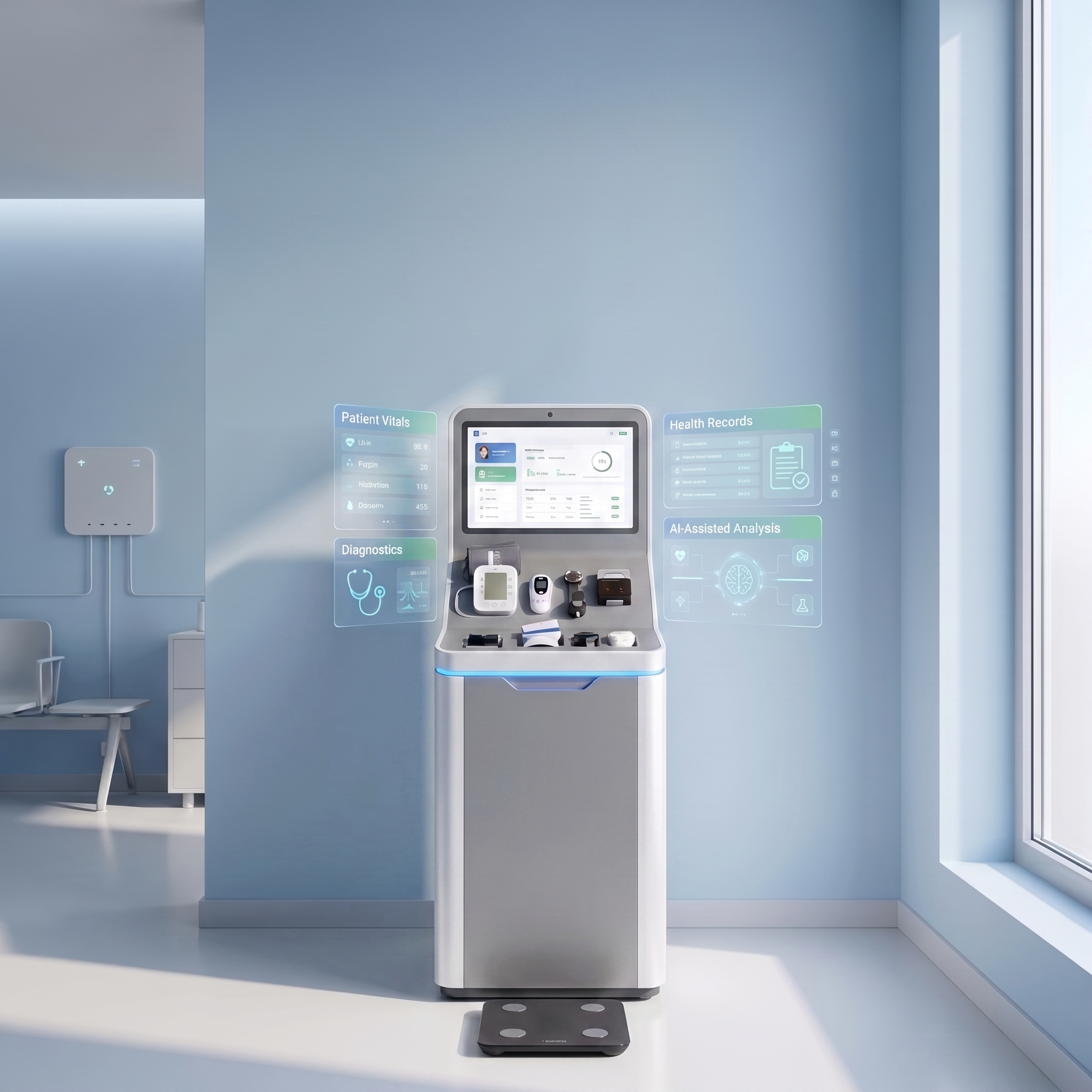
Care within reach
Rapid on-site intake and automated vital capture — 69+ screening tests at the point of care.
Clinical command
Streamlined clinical workflows and facility operations — every record, visit, and order in one system.

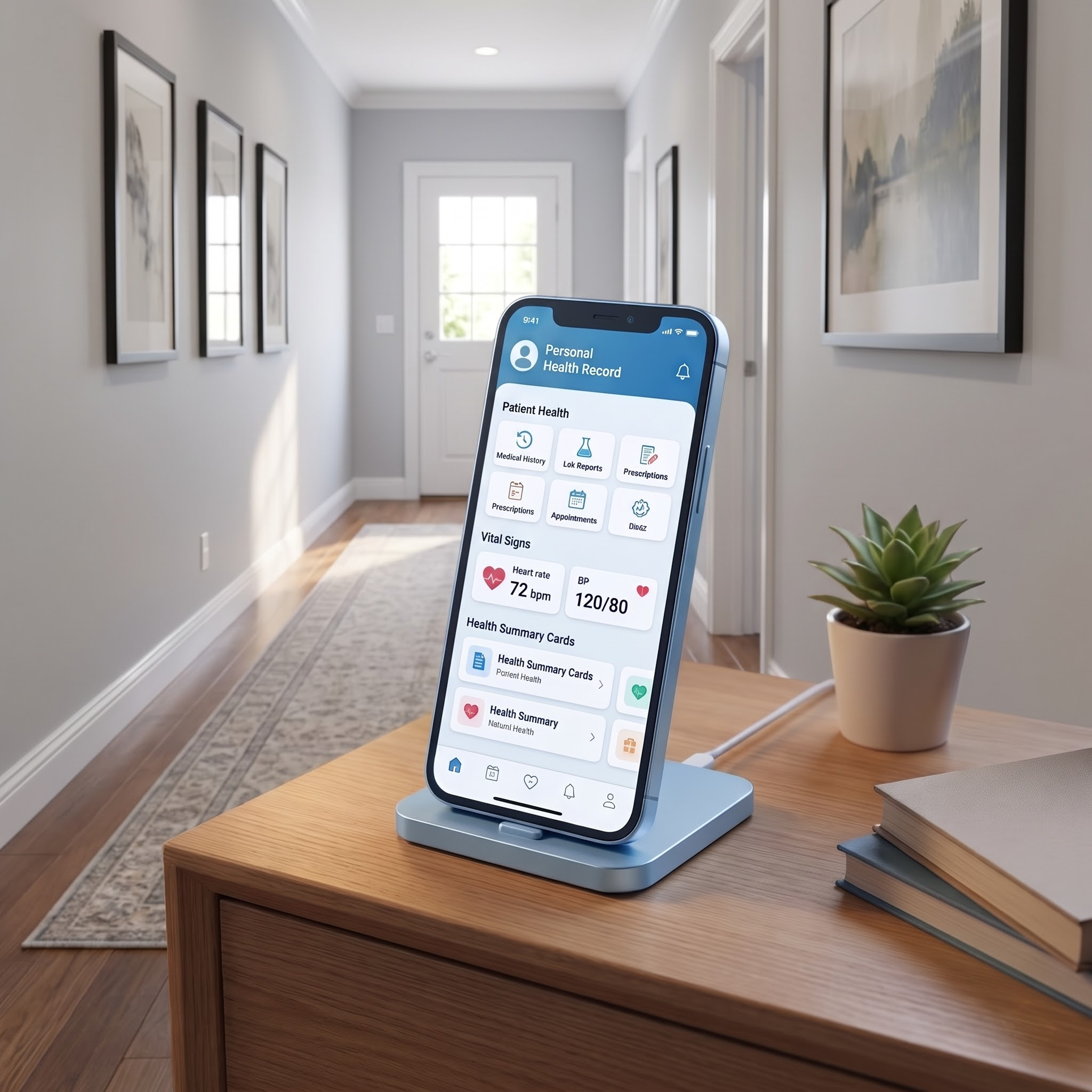
Health in hand
Continuous patient engagement and health record ownership — one secure, portable health journey.
Intelligence for care
Automated clinical decision support and early risk detection from the complete patient record.